Sep 20, 2026Buying Guides
Private Label Noodle Artwork Approval: A Practical Workflow
Release one exact noodle-pack artwork revision with a clear approval record, identified proof evidence and a plan for checking later changes.
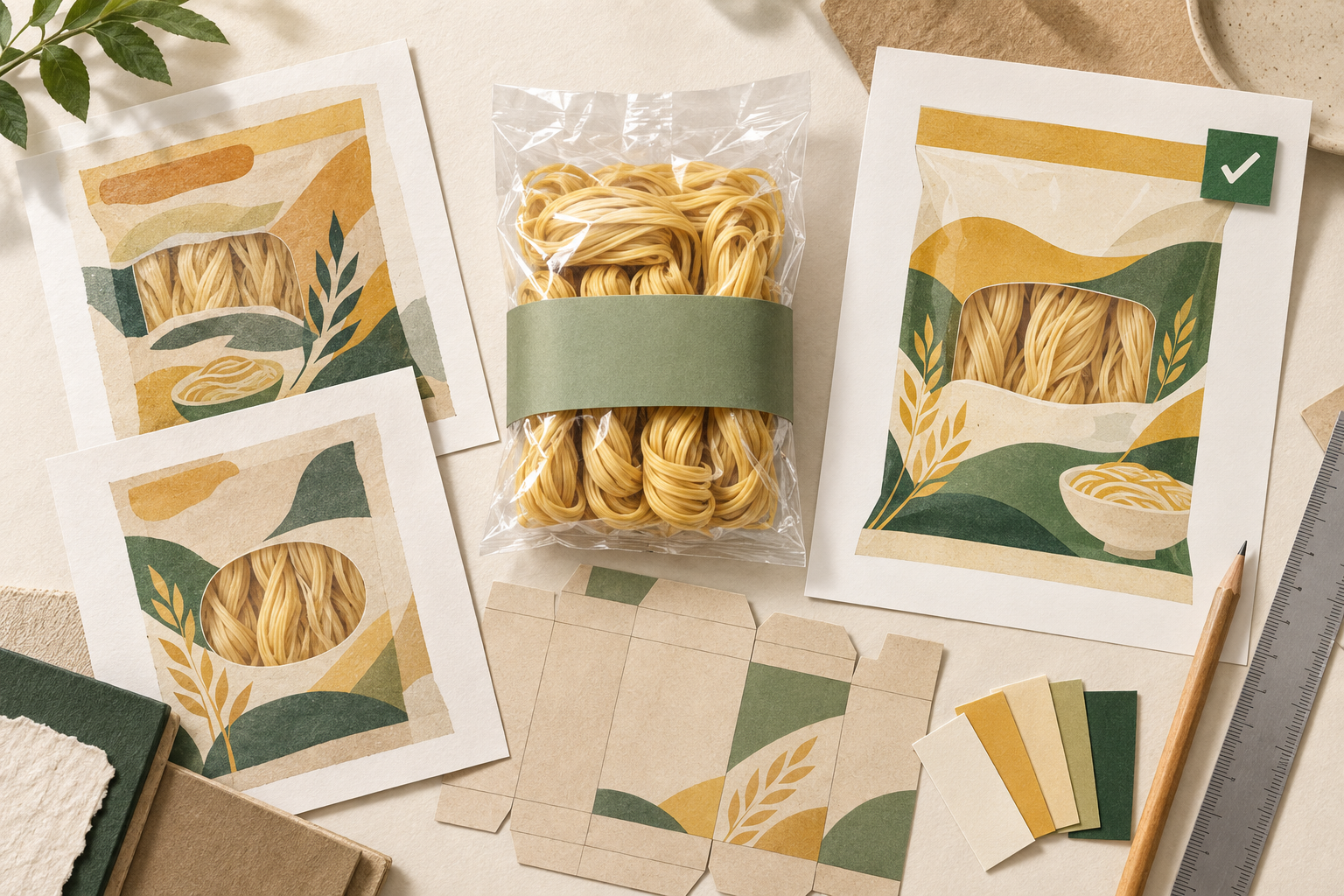
AI-generated illustration for explanation; not actual customer artwork or a production sample.
Approve a private-label noodle pack by naming the exact artwork revision, the evidence checked and the activity you are releasing. A message saying “looks good” leaves too much open: it may mean the text is correct, the layout is acceptable or printing can begin.
The useful outcome is one approval record that the buyer, designer and packaging provider can all match to the same file. The workflow below is a suggested way to build that record; agree the responsibilities and release stages for your particular order.
Tie the artwork to one product and pack
Before reviewing design, put the product code, pack format, market version and product-specification revision beside the artwork filename. For a wheat-noodle project, distinguish an egg-noodle SKU from a plain dried-noodle SKU even when their bags look similar.
Link the approved text and the packaging layout drawing, often called a dieline. Record the drawing revision too. If the product or pack is still undecided, use the OEM brief to resolve those inputs before calling any artwork final.
Assign a named reviewer for product information, market-specific wording, packaging construction and the final release. One person may coordinate these reviews, but an unanswered question should remain visible with its owner and next action.
Record what each check actually establishes
A screen proof, an empty folded mock-up and a printed, filled pack answer different questions. Label each piece of evidence so an approval is not applied beyond what was examined.
Evidence reviewed | Useful approval question | Keep separate |
|---|---|---|
Product specification and approved copy | Does this revision use the agreed SKU information and wording? | Whether the finished print is readable |
Complete artwork file on the agreed dieline | Are all panels, orientations and reserved coding areas in the intended positions? | Whether the actual pack folds and seals as intended |
Identified physical mock-up or printed sample | What can be observed about layout, folds, colour and readability on this sample? | Properties or production conditions the sample does not represent |
Barcode verification report for an identified sample | What symbol and print-quality checks were performed, and with what result? | Whether every produced pack is identical to the sample |
For remote checks, request the relevant views from the packaging photo guide. Keep the original file or sample reference with the review, rather than only a cropped chat screenshot.
Do not use one successful scan as the whole barcode check
GS1 UK's barcoding guide, section 8 distinguishes reading a symbol with a scanner from assessing its quality with verification equipment. It also advises evaluating the final wrapping and, where possible, the filled pack.
For a noodle bag with clear film, that is a reason to ask what was behind the printed code during the check. Record the sample and report used. A scan of a flat artwork printout does not establish the result on a filled retail bag.
Close comments before releasing the file
Give each comment a location and a decision. “Back panel: replace the cooking text with the approved copy revision” is easier to close than “please improve the back.” After the designer responds, review the revised file itself; do not assume a reply saying “done” proves the change.
Use explicit statuses such as open, revised—awaiting check and closed. Before release, confirm that blocking comments are closed and that every approver refers to the same revision. Avoid a filename containing “final” being the only indication of approval.
Send an approval record with a clear scope
Adapt these fields to the order. They are a blank working template, not an example of a completed Noodle House project.
- Product code and pack format:
- Market/language version:
- Product specification and approved-copy revisions:
- Artwork filename and revision:
- Dieline revision:
- Proof, sample and barcode-report references reviewed:
- Activity released: layout review / sample preparation / printing, as agreed:
- Open items and activities still on hold:
- Approver, approval date and recipient acknowledgement:
If approval covers sample preparation only, state that directly. Ask the receiving party to acknowledge the file and activity released. Keep the approval, attachments and acknowledgement together so another team member can reconstruct the decision.
Reopen the affected checks when something changes
Keep the approved version as the baseline and issue a new revision for subsequent changes. The following are suggested review triggers:
- Text or translation changes: check the amended wording and surrounding layout, then obtain the relevant review again.
- Pack dimensions, seal position or folding changes: confirm the current dieline and revisit panel placement, coding areas and the representative sample.
- Film, background colour or barcode position changes: ask the packaging and barcode reviewers which print and verification checks must be repeated.
- Product, pack quantity or market-version changes: reconcile the artwork with the corresponding specification and approved inputs before release.
These are prompts for assigning review work, not a universal test plan. Record which checks were repeated, the new evidence and who released the revision. Mark the older artwork as superseded in the shared folder and notify its recipients.
For a private-label noodle enquiry, send the selected product, pack format, intended market and current artwork status through the contact page. Identify the exact decision you need reviewed, such as confirming the pack layout or resolving an open product-information question.