Oct 2, 2026Buying Guides
Noodle-Pack 2D Barcodes: Keep the Quiet Zone Clear
Reserve the full clear margin around QR and Data Matrix symbols before approving noodle-pack artwork at its final printed size.
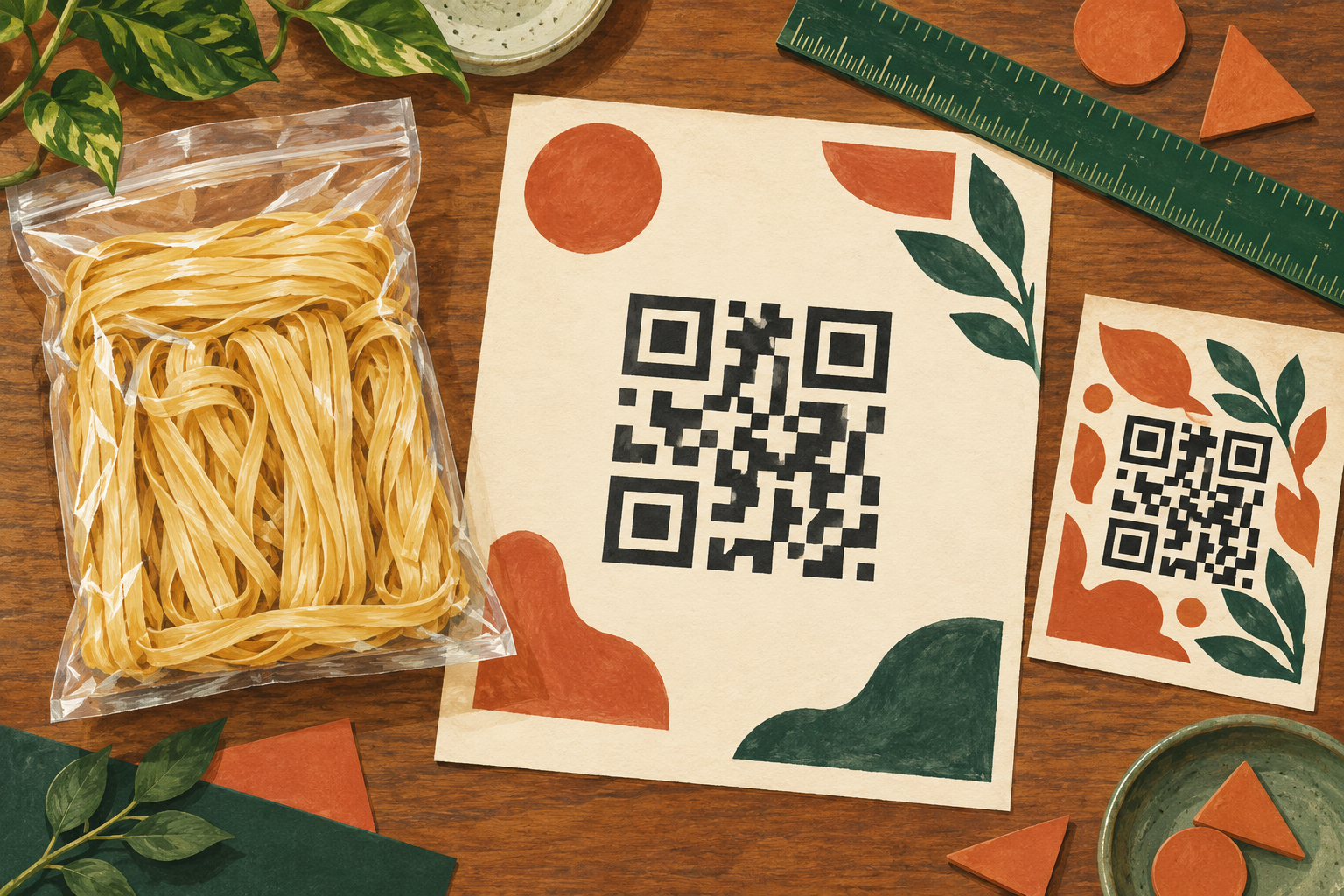
AI-generated editorial illustration of space around barcode artwork; the stylized patterns are not usable barcodes, approved packaging or scale-accurate quiet-zone diagrams.
Is the white margin around a noodle-pack QR code optional?
No. The clear area around a 2D barcode, called its quiet zone, is part of the space needed for the symbol. When a designer crops an exported barcode or moves a decorative border closer, the visible dark pattern may remain intact while the required clear area disappears.
For a noodle importer approving retail artwork, the useful question is therefore not just whether the code fits the panel. Ask whether the complete barcode footprint, including its quiet zone, fits at the final printed size.
Identify the symbol before measuring its margin
The GS1 retail 2D implementation guideline, section 4.6.4, distinguishes the requirements: QR Code uses a quiet zone of four module widths on every side; GS1 DataMatrix and Data Matrix use one module width on every side. A module is an individual small square in the pattern, and its width is called the X-dimension.
These ratios do not authorize any arbitrary module size. The applicable GS1 symbol specification and intended scanning use still govern the design. A QR code and a Data Matrix are not interchangeable simply because one can occupy a smaller clear margin.
The same guidance explains that intruding graphics or other visual noise can harm barcode performance. Keep the required space clear when fitting the barcode beside a noodle preparation panel, product photograph or decorative rule.
Measure the complete footprint on the final artwork
Use the approved barcode file rather than reconstructing the pattern from a screenshot. Ask the designer to show two boundaries on a review copy: the symbol itself and the outer edge of the required quiet zone. Keep these review annotations out of the production artwork.
For a purely hypothetical QR layout with 0.50 mm modules, four module widths equal a 2.00 mm clear margin on each side. That adds 4.00 mm across the total width and another 4.00 mm across the total height beyond the symbol pattern. This is arithmetic, not approval of 0.50 mm for a particular application.
Record the final printed dimensions rather than the dimensions of a zoomed screen image. If the entire object is resized, ask the responsible barcode specialist to review the resulting module size and the surrounding space together.
Use a short handoff between buyer and designer
For each proposed pack revision, record:
- Barcode identity: the symbol type, intended purpose and approved data source.
- Artwork identity: the noodle SKU, file revision and final print dimensions.
- Reserved space: the symbol footprint, quiet zone and nearby printed elements.
- Physical position: where that reserved area lands on the finished pouch or label.
- Approval evidence: the relevant specialist check and any required physical print assessment.
This is a suggested artwork handoff, not a substitute for verification. It prevents one department from approving a barcode image while another later trims its white margin to solve a layout problem.
A useful instruction to the designer is: retain the approved barcode's required clear area and flag any conflict with the dieline or adjacent artwork. The buyer can then resolve the space conflict before treating the file as ready to print.
Separate a scan demonstration from packaging approval
Suppose an imagined egg-noodle label scans with a phone before a patterned background is moved closer to its QR code. That earlier scan concerns an earlier layout. It does not establish the suitability of the changed printed package or the intended retail scanning system.
Ask for assessment of the final version under the applicable requirements. Do not change the symbol type, shrink it further or remove an existing retail barcode solely to recover design space without checking the trading partner's requirements.
Our barcode report guide addresses a different task: interpreting the settings and result in a linear-barcode report. This page helps preserve space for a 2D symbol before the final assessment.
For an OEM noodle packaging review, send the SKU, proposed artwork revision and intended barcode use. Confirm which party owns barcode assignment, artwork preparation and specialist verification; this article does not promise an in-house barcode service.
Source checked: 2 October 2026. Confirm current application and retailer requirements before releasing print files.