Oct 2, 2026Buying Guides
White Text Missing on Noodle Packaging: Check Overprint Before Approval
White lettering missing in a noodle-pack print preview? Check process-white overprint, spot-white intent and the exact production PDF before approving artwork.
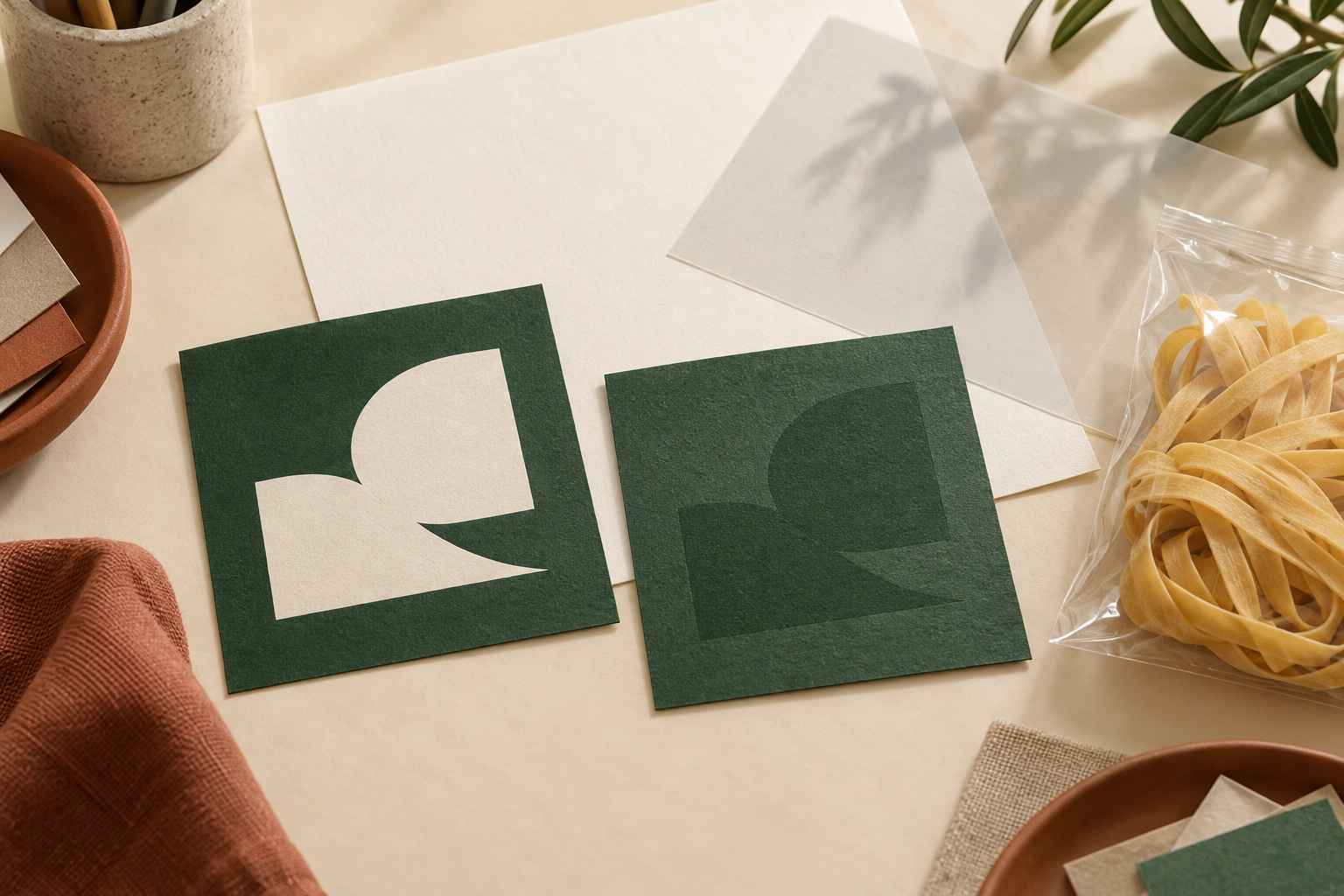
AI-generated editorial illustration of artwork visibility differences; not an actual overprint preview, press proof or approved packaging artwork.
If white lettering is visible in a noodle-pack design but disappears in a print preview or proof, ask the printer to check its overprint settings. A normal screen image is insufficient to resolve this issue. First establish whether the white area is intended to reveal the substrate or use a separate white ink, then inspect the exact production PDF with the printer.
For a private-label buyer, the immediate decision is whether the file can proceed to printing. Replacing the font, increasing image resolution or approving another screenshot may leave the underlying output problem unchanged.
Identify which white the design uses
A white product name on a coloured carton and a white backing layer on transparent film may look similar on screen. Their intended production instructions can differ. The buyer should describe the required appearance; the printer should confirm how the artwork represents it for the selected material and process.
Adobe documents an unintentional white-overprint problem in Illustrator and provides an output option to discard it. It also states that this option does not affect spot-white objects. That distinction matters: a printer should not treat every object called white as the same production element. Adobe white-overprint guidance.
Ask the artwork owner to identify the affected object, its colour definition and whether a separate ink plate is intended. Avoid a blanket instruction to remove every overprint setting. Other artwork elements may have intentional settings which require the printer’s judgement.
Review the output file, not only the design screen
Adobe explains that an overprint attribute can be inherited, or remain after an object’s colour changes to white. Its Overprint Preview and Separations Preview help expose the problem. The discard setting affects saved or printed output; it does not change the original artwork itself. Adobe output behaviour.
This creates a practical handover risk. A corrected export and the editable source can have different states. If another person later exports the source again, the buyer should not assume that the earlier output correction carries forward automatically.
Request a specific PDF revision and a short printer confirmation of what was checked. Keep the file with the approval record. A phone photo of a monitor can show the intended words, but it does not reveal the production file’s separation or overprint behaviour.
A three-object review worksheet
Use the following as a review aid, not a printing specification. Fill it with the designer and printer for the selected pack.
Object to inspect | Buyer’s intended result | Printer’s confirmation |
|---|---|---|
White product name | Clearly visible lettering on the coloured panel | Colour definition and output preview checked |
White area behind a logo | Appearance agreed on the selected substrate | Substrate reveal or separate white ink identified |
Small white preparation text | Entire instruction remains readable | Exact text object and final PDF checked |
Add the file revision, substrate description, printer contact and approval date below the table. Mark an unresolved cell as pending rather than assuming that a visually similar object follows the same rule.
Example: the proof looks right, but the next export changes
Consider an illustrative noodle-carton job with a white product name and a coloured background. The first exported PDF shows missing letters when checked for output. The printer identifies an unintended overprint setting, and the artwork team produces a corrected PDF for review.
The buyer then requests a small address change. The next file comes from the editable source. Even though the address is the only requested content change, the buyer should have the new output checked again at the previously affected lettering. The earlier PDF’s approval does not establish the new PDF’s behaviour.
Record two separate results: the intended wording is correct, and the production output displays it correctly. Neither result proves the other. This example describes a review scenario, not a reported Noodle House production incident.
Close the issue before packaging release
Ask for the affected object, cause, corrected production-file revision and evidence of the printer’s output check. Where the material or white-ink process matters, agree whether a physical proof is needed before release. Do not substitute this review for barcode, copy or colour approval.
Keep the broader artwork approval workflow for version ownership and sign-off. For a private-label noodle enquiry, share the selected product, packaging format and artwork status so the relevant requirements can be discussed. This worksheet does not promise a particular printing process or ink capability.