Oct 2, 2026Buying Guides
US Noodle Label Review: Added Sugars Are Part of Total Sugars
Keep total sugars and added sugars in separate, correctly related fields when preparing US noodle label artwork and retailer product data.
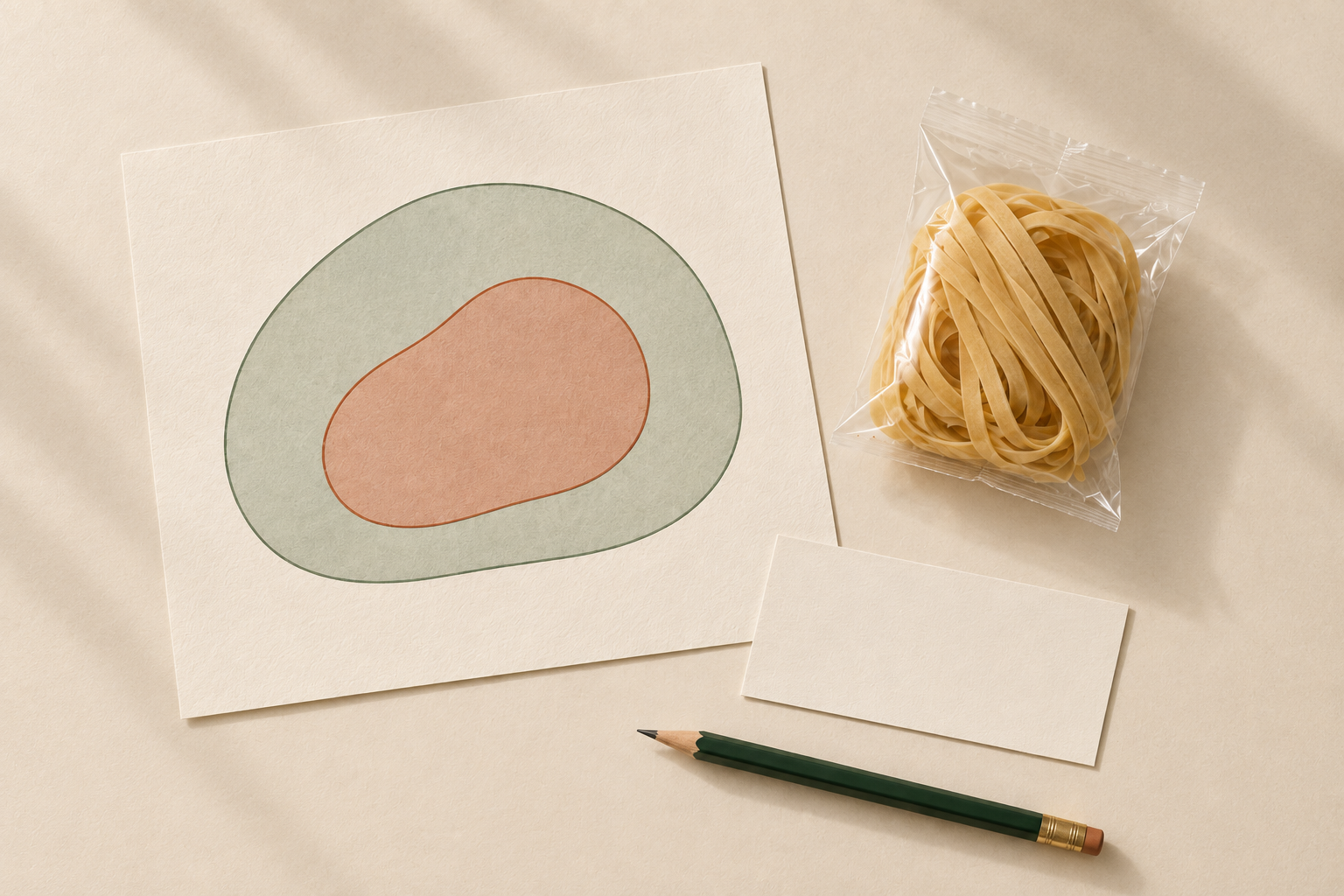
AI-generated editorial illustration of a subset within a total; the nested shapes are not actual sugar amounts, ingredient information or a nutrition claim for the noodles.
When a US Nutrition Facts panel says “Includes” added sugars, that quantity is already included in Total Sugars. Do not add the two figures together when preparing a noodle product listing, retailer upload or packaging brief.
For an importer, the practical task is to preserve the meaning of both fields from the approved source. Correct arithmetic does not establish that the underlying product values are accurate; the source data and finished label still need their own review.
Understand the relationship before copying the numbers
FDA explains that total sugars include naturally present sugars and any added sugars. The added-sugars declaration identifies the portion that falls within the added-sugars category. FDA specifically explains that “includes” signals this relationship. FDA explanation of added sugars.
That is why the two lines should not become two independent ingredients in a sum. Equally, an empty Added Sugars field in a supplier spreadsheet is not evidence that its value is zero. It may mean that the data has not been supplied or that the sheet was prepared for a different purpose.
Do not infer a noodle’s values from another SKU, a product name, a front-of-pack photograph or the absence of a sweet taste. Request the information for the exact formulation and market presentation under review.
A hypothetical upload error
Imagine an approved source used for a training exercise states 6 g Total Sugars and includes 4 g Added Sugars per serving. These invented figures are not Noodle House Food specifications.
The correct transcription retains 6 g in the total field and 4 g in the added field. A retailer upload showing 10 g Total Sugars has counted the added portion twice. A record showing 2 g Total Sugars after subtracting the added portion has lost the intended meaning of the total field.
The exercise demonstrates a data relationship only. It does not authorize deriving an actual formulation’s nutrition declaration from a rough subtraction or using the result for a nutrition claim.
Use a two-field handover
Before asking the designer or listing team to enter the values, prepare this small record:
Field | What to retain |
|---|---|
Product identity | SKU, formulation reference and document revision |
Quantity basis | Serving amount and food state described by the source |
Total Sugars | Source value, unit and exact field name |
Added Sugars | Source value, unit and exact field name |
Source approval | Responsible reviewer and approved panel or data reference |
Destination output | Artwork version or retailer field receiving each value |
Keep the two values on the same basis. A per-serving total cannot be compared directly with an added-sugars value per 100 g. If the systems use different bases, request an approved conversion from the data owner rather than manually relabel the column.
Route inconsistencies to the right person
If the submitted added-sugars value exceeds total sugars on the same basis, stop the transfer and ask for reconciliation. The mismatch may be a transcription problem, a unit problem, an outdated revision or another data issue. The purchasing team should not choose whichever number looks more plausible.
If Added Sugars is missing, mark it as missing. Ask the product-data owner for the appropriate supporting information and the US label reviewer for the required presentation. Do not type zero to satisfy an upload form that refuses blanks.
After correction, compare the final artwork and retailer entry with the same approved source. Save the corrected version and retire the superseded working copy from the active handover folder, while retaining the audit history.
The broader nutrition-panel preparation guide helps assign input owners. The as-sold versus as-prepared guide addresses a different comparison error.
For a private-label noodle project, send the SKU, destination and available label files through the contact page. Confirm the product information and remaining review needs before approving artwork. This article supplies a transcription check, not nutrient values or approval of a product claim.